

תיאור
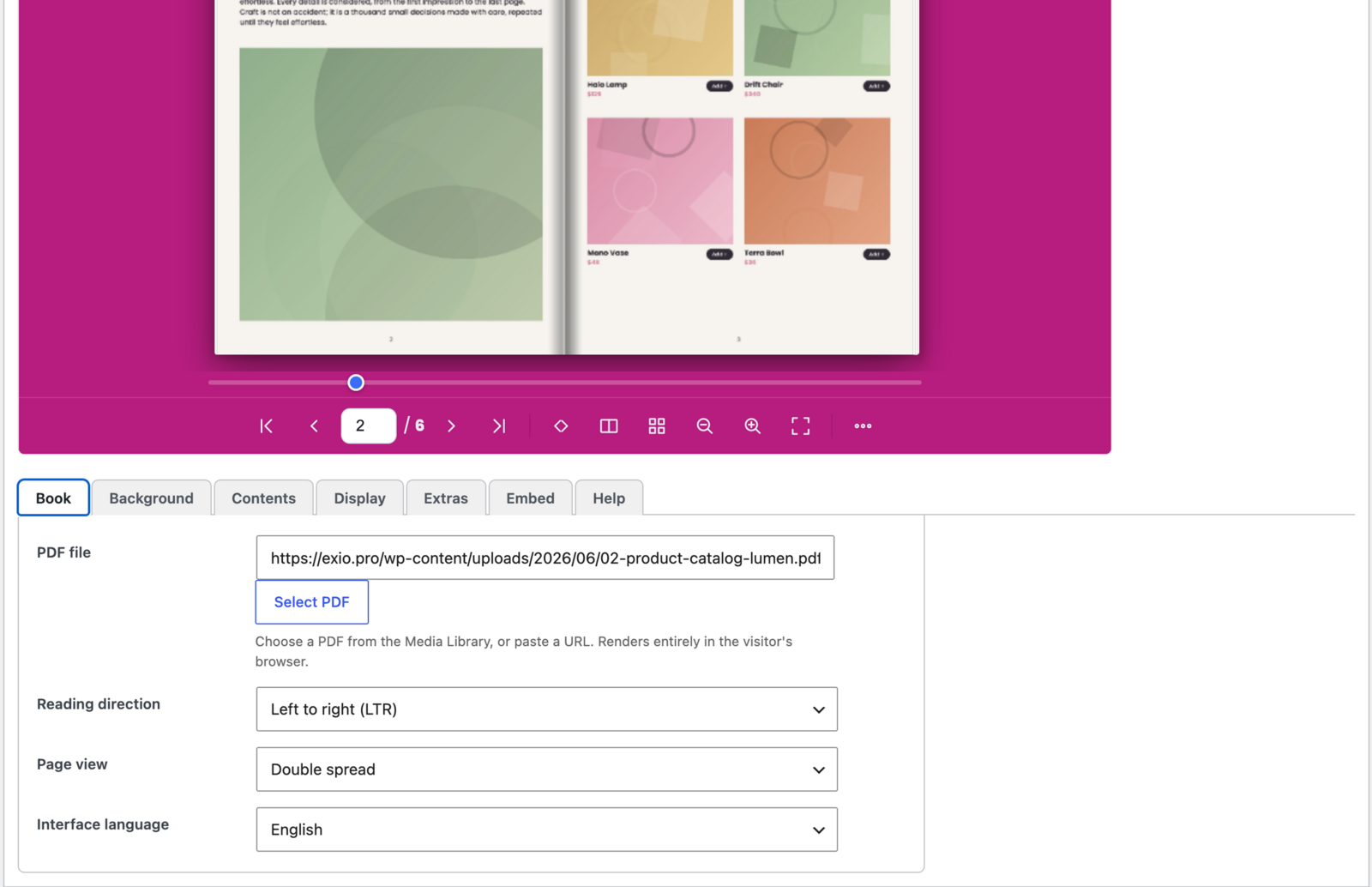
Flipa converts a PDF into an interactive flipbook that renders entirely in the visitor's browser — your file is never sent to a third-party server.
Highlights
- Full right-to-left support — proper Hebrew & Arabic reading order, mirrored controls, correct cover behaviour.
- 20-language interface — incl. English, Hebrew, Arabic, Persian, Spanish, French, German, Russian, Portuguese, Italian, Dutch, Polish, Turkish, Ukrainian, Czech, Swedish, Chinese, Japanese, Korean, Hindi.
- Lightweight & fast — no heavy 3D dependency; works on phones and tablets (two-row mobile toolbar).
- Unlimited flipbooks — manage many; embed each with
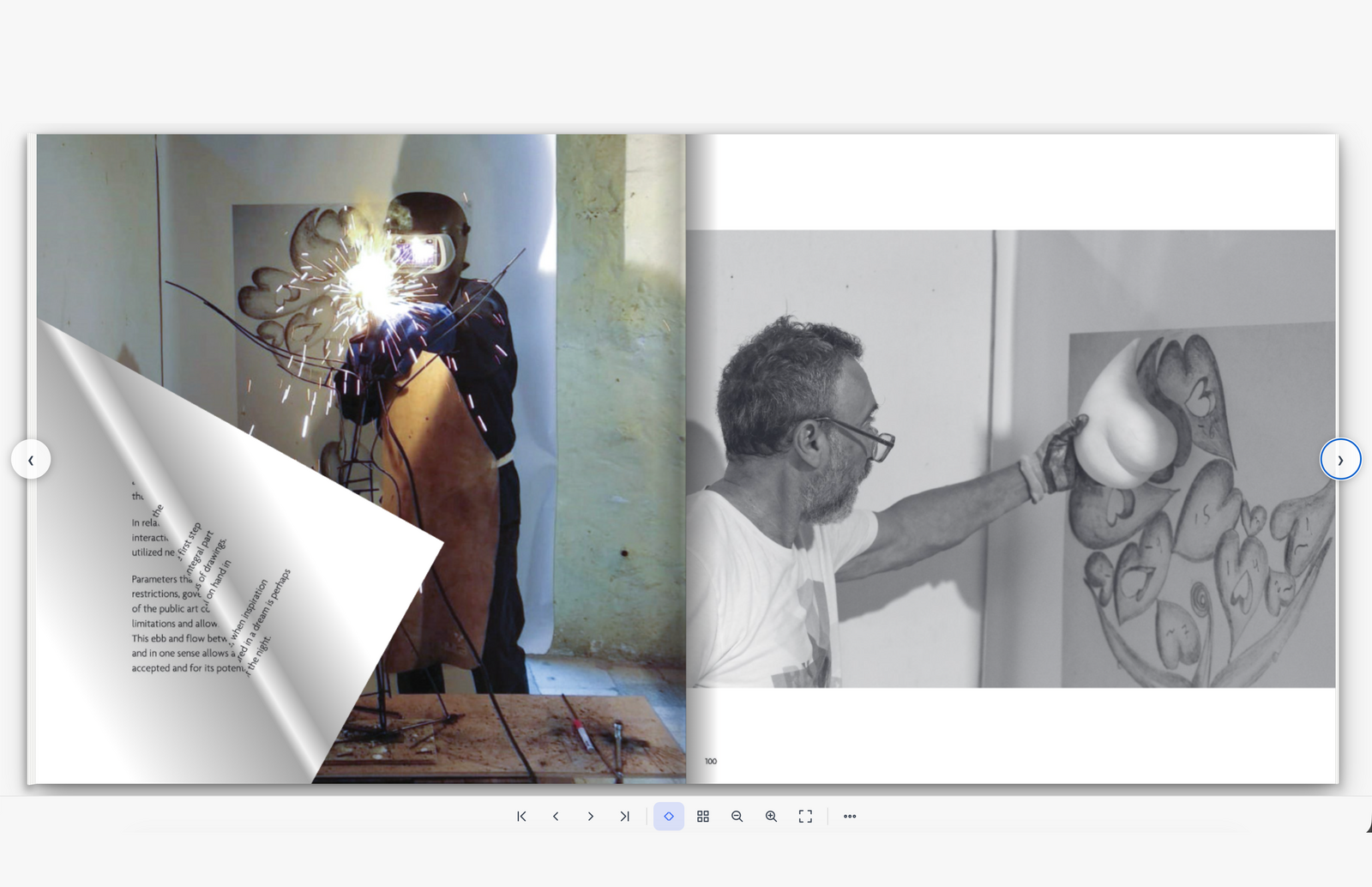
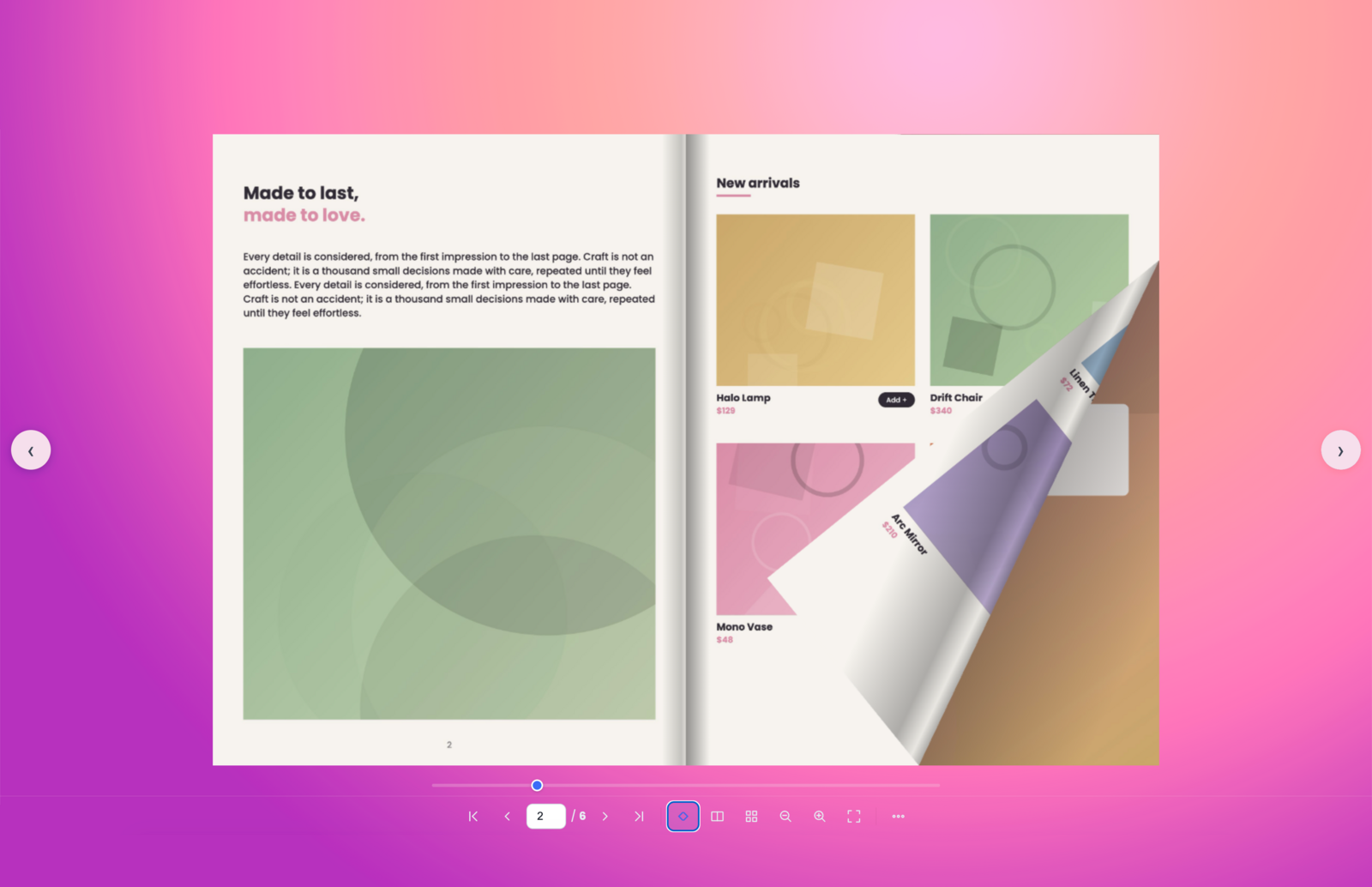
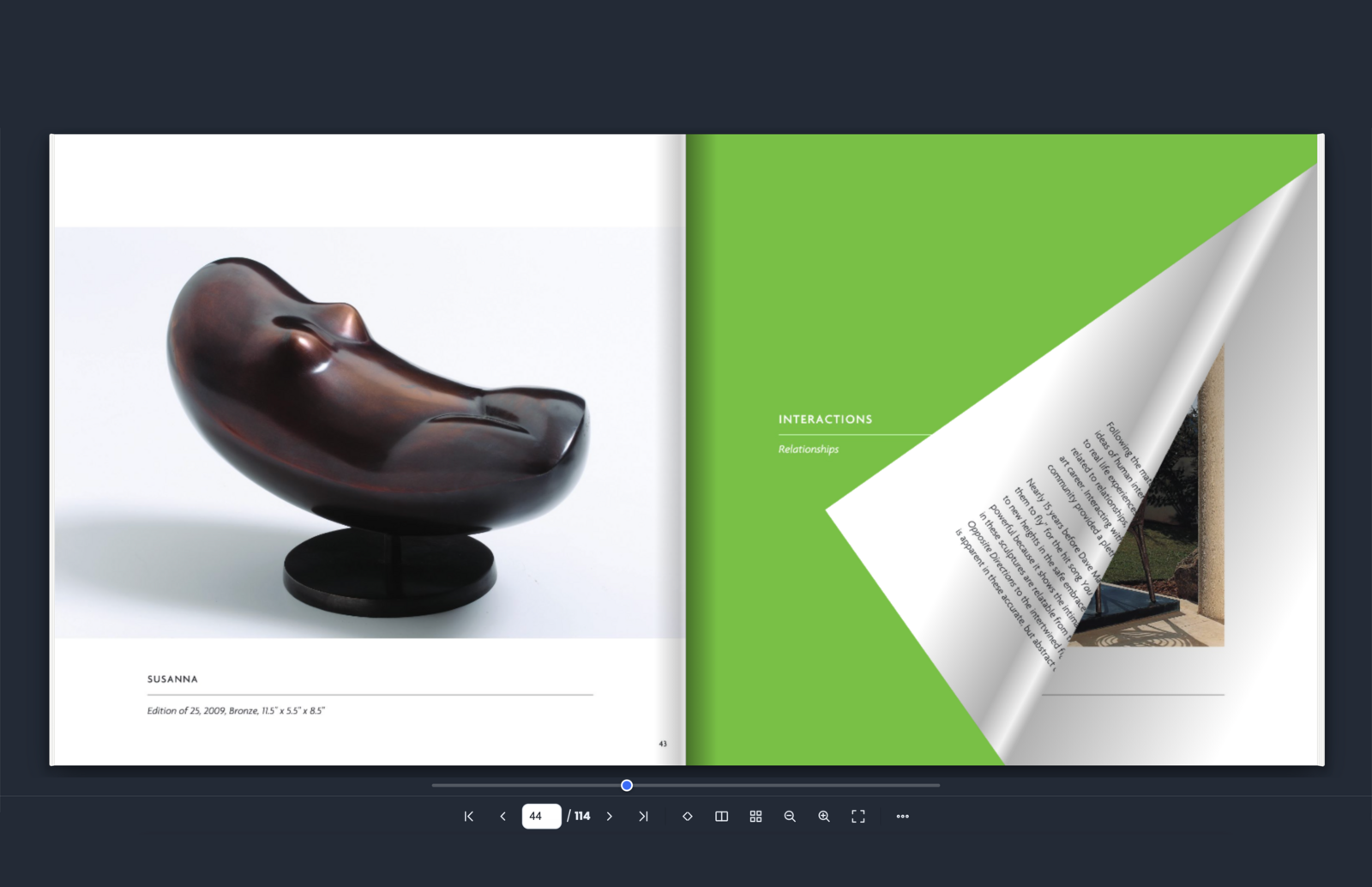
[flipa id="123"], a block, or a widget. - Double-spread & single-page views, realistic fold shadow.
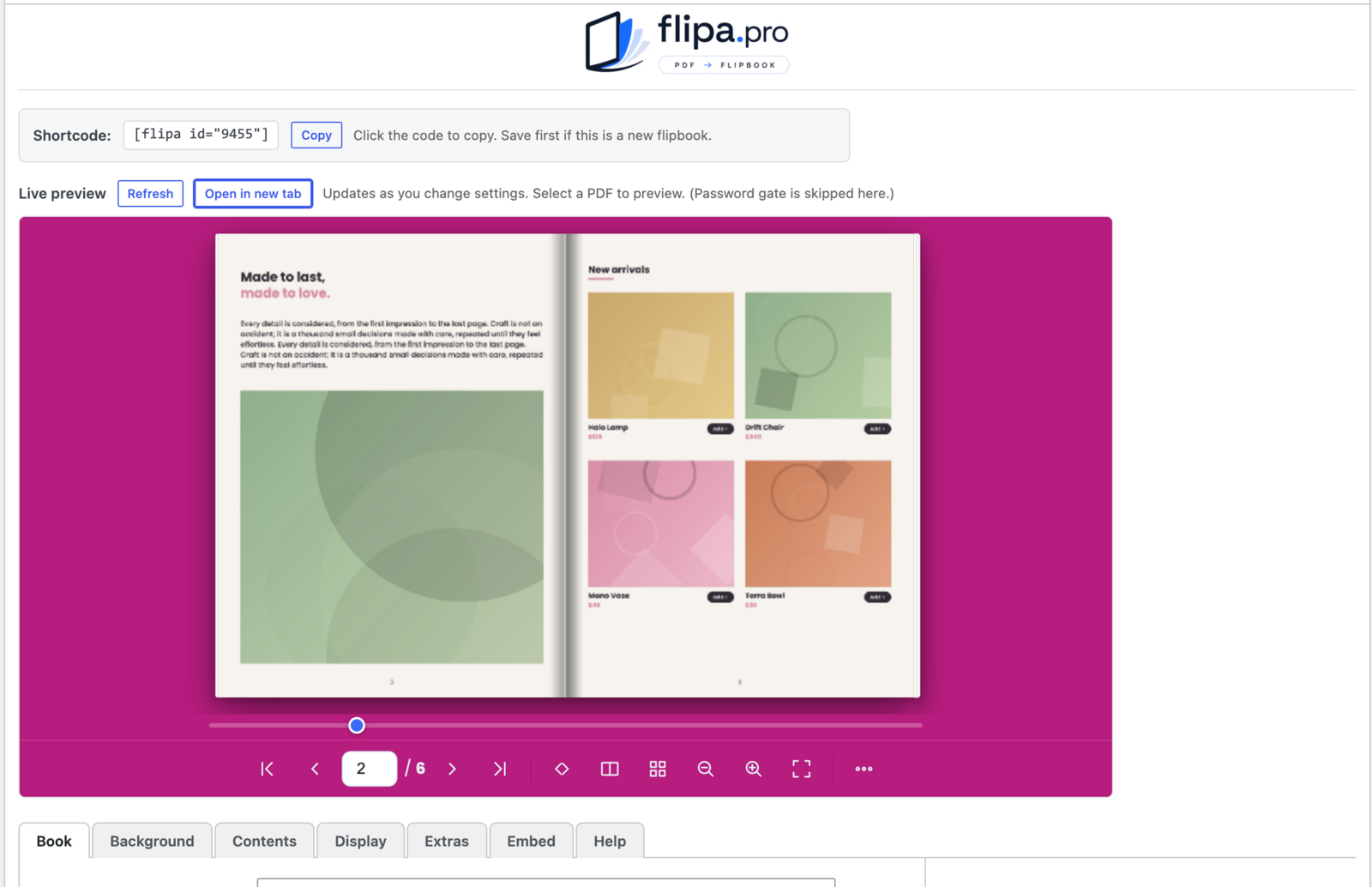
- Thumbnails, seek bar, zoom, fullscreen, deep-linking.
- Pro: In-book text search — find any word across the whole PDF, jump straight to a matching page, and highlight every match (page-flip and vertical-scroll modes).
- Share (shares the page the book is embedded on).
- Lightbox mode — open the book in a popup.
- Inline (seamless, auto-height) embedding by default, or a fixed iframe.
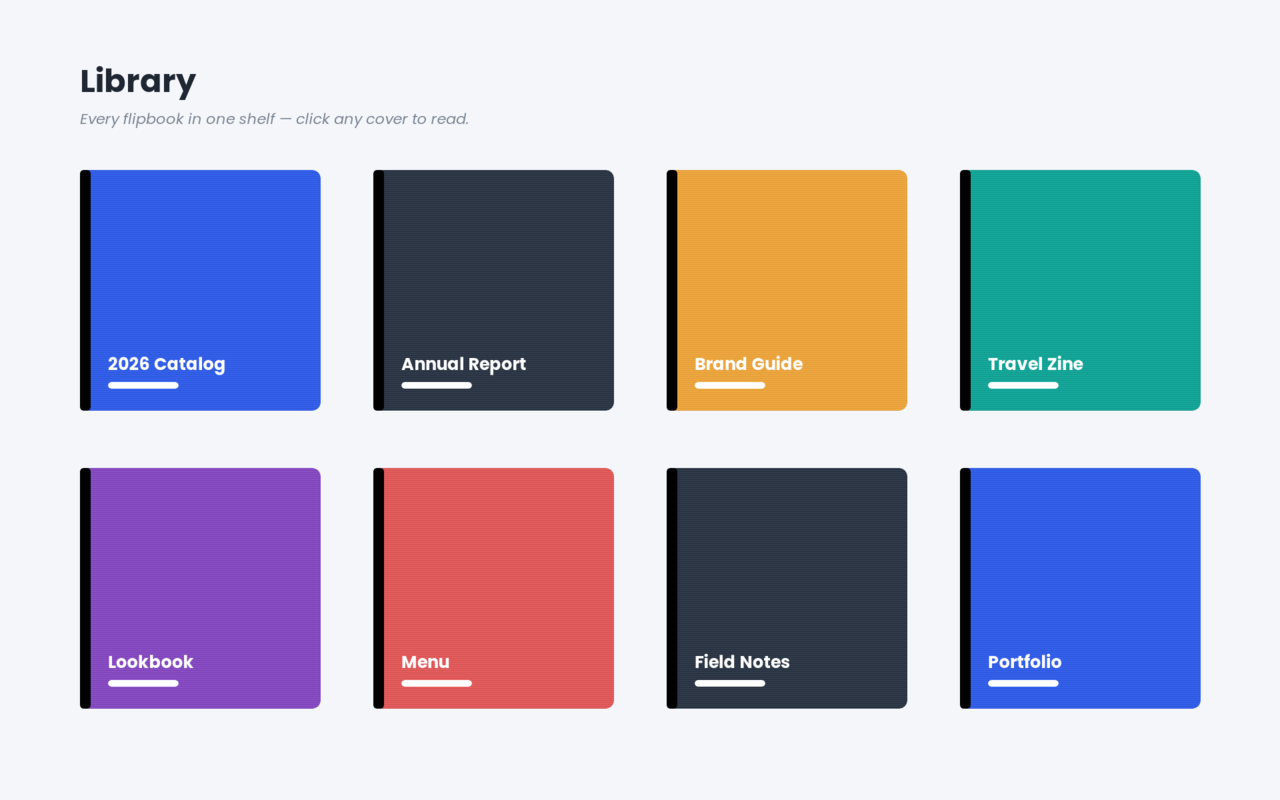
- Pro: table of contents with grouped sections, page-flip sounds, password gate, custom background image, clickable PDF links (internal page-jumps + web/email links), QR code in Share, page-stack depth, vertical scroll reading mode, 3D tilt, and a bookshelf grid.
Works with
- Block editor (Gutenberg) — the Flipa Flipbook block.
- Classic editor — an Add Flipbook button.
- Plain shortcode anywhere:
[flipa id="123"]. - Pro: Elementor / Elementor Pro & WPBakery widgets, WooCommerce product pages, and the
[flipa_shelf]library grid.
Free vs Pro
The free plugin gives you unlimited flipbooks, the full core viewer (single/double page, drag-to-flip, zoom, seek bar + thumbnails), 20 interface languages with full right-to-left support (Hebrew, Arabic, Persian), background colour, inline & iframe embedding, lightbox, and the shortcode, block and Classic-editor integrations. An optional "Powered by flipa" credit is available and is off by default — it appears only if you turn it on.
Flipa Pro unlocks in-book text search, the table of contents, page-flip sounds, password protection, custom background image, clickable PDF links, QR code in Share, the page-stack depth graphic, and the WooCommerce, Elementor, WPBakery and [flipa_shelf] bookshelf integrations.
צילומי מסך
בלוקים
תוסף זה מספק בלוק 1.
- Flipa Flipbook
התקנה
- Upload the
flipafolder to/wp-content/plugins/, or install the zip via Plugins Add New Upload Plugin. - Activate the plugin.
- Go to Flipa Add New, choose a PDF, set options, save, and copy the shortcode (or use the block/widget).
שאלות נפוצות
-
Does my PDF get uploaded anywhere?
-
No. The PDF is served from your own site and rendered in the visitor's browser.
-
Does it support right-to-left languages?
-
Yes — Hebrew and Arabic are first-class, including reading order and mirrored navigation.
-
Do links inside my PDF work?
-
Yes — internal links jump to the target page; web links open in a new tab; email links offer Gmail/Outlook/mail app.
-
Will deleting the plugin remove my flipbooks?
-
No. Flipbooks are kept on uninstall unless you opt in (the
flipa_delete_dataoption).
סקירות
There are no reviews for this plugin.
מפתחים

ניתן לתרגם את "Flipa — PDF Flipbook" לשפה שלך.
מעוניינים בפיתוח?
עיינו בקוד, ראו את הקוד ב-SVN repository, או הירשמו ללוג פיתוח באמצעות RSS.
שינויים
0.13.1
- Maintenance: updated the bundled Freemius SDK to 2.13.3 (PHP compatibility fixes and account/payment improvements). No change to any flipbook feature.
0.13.0
- New: In-book text search (Pro). A search box in the reader finds any word across the whole PDF, lists the matching pages with a snippet, jumps straight to a result, and highlights every match on the page. Works in page-flip and vertical-scroll reading modes.
- Fix: single-page (single-spread) view no longer over-sizes the page in embedded flipbooks; a lone page now matches one page of the two-page spread. Mobile and vertical-scroll are unaffected.
0.12.2
- WordPress.org compliance: the free version no longer contains any premium feature-gating code. The premium feature settings and the code that turns those features on are now generated only into the Pro build; the free build ships clean, with no disabled or locked controls. No change to the free feature set.
0.11.4
- Media hotspots temporarily hidden while we finish and stabilise the feature (the Media tab and media rendering are switched off behind a flag; the code remains in place). No effect on any other feature.
0.11.3
- Media hotspots: drag to position and resize each hotspot directly on the live preview in the editor (no more guessing percentages). New per-video Aspect control (Auto / 16:9 / 9:16 vertical / 1:1 / 4:3) so vertical YouTube Shorts no longer letterbox — the hotspot and the popup now match the video's shape. Fixed the button hotspot showing as an empty box.
0.11.2
- Media hotspots overhauled: redesigned Media tab (clear cards — every field visible); a single Size % (height follows the media's own proportions, no more squashing); self-hosted video (upload an MP4 from the Media Library); per-video muted Autoplay + Loop; the old "link" is now a styled Button (text + text/background colours + shape); video hotspots show a YouTube-style play button over the thumbnail (no more icon hiding image/button hotspots); and hotspots no longer vanish after a page flip.
0.11.1
- Media hotspots: hotspots now show a real thumbnail (the YouTube video still or the image itself) instead of a transparent box; clicking a hotspot no longer accidentally turns the page; and while you edit a hotspot in the Media tab the live preview jumps to that hotspot's page so you can see where it lands.
0.11.0
- New media hotspots (Pro): place clickable spots on any page to play a YouTube/Vimeo video, open an image or gallery, or link out. Each opens as a lightbox or inline; positioned in % of the page from a new Media tab with live preview. Works in page-flip, vertical scroll and 3D tilt modes.
0.10.2
- WordPress.org / Plugin Check compliance: escaped the admin menu-icon CSS output, unslashed + sanitized all settings inputs on save, and removed the discouraged load_plugin_textdomain() call (translations auto-load on .org).
0.10.1
- Fix: PDFs now load on HTTPS sites even if the saved PDF URL is http:// — the URL is auto-upgraded to https to avoid the browser's mixed-content block (the "Could not read this PDF: Failed to fetch" error). Applied both in the renderer and the viewer.
0.10.0
- Free/premium build split for WordPress.org: the Pro-only integrations (Elementor, WPBakery, WooCommerce, and the bookshelf) now live in
__premium_onlyfiles insideis__premium_only()guards, so Freemius strips them from the generated free build while the premium build keeps everything. No change for existing Pro customers.
0.9.8
- 3D tilt: reverted to the clean look — the outer/spine shadows and page-stack depth are hidden while tilted (they showed as detached bands on the rotated book); the book leans with its own built-in fold shading. Shadows and depth still appear in normal flip and scroll modes.
0.9.7
- 3D tilt: hides the page-stack depth while tilted (it protruded past the rotated book); the outer drop shadow and fold shadow stay. Depth still shows in normal flip and scroll modes.
0.9.6
- Editor: choosing Vertical scroll now forces Page view to Single and disables the dropdown (they can't coexist). 3D tilt keeps the outer drop shadow and fold shadow, flattens the page-stack depth so it leans with the book, and uses a gentler angle + GPU hints for sharper edges.
0.9.5
- 3D tilt polish: hides the fold shadows, page-stack depth and single-page overlay while tilted (they don't compose in 3D), so the book leans cleanly. Vertical scroll and 3D tilt are now mutually exclusive — turning one on turns the other off (in the viewer and in the editor).
0.9.4
- New 3D tilt mode (Pro): the book leans toward the reader's cursor for a lively, three-dimensional feel. Enable a default under the Book tab; readers can toggle it from the toolbar. Disabled automatically while zoomed or in vertical-scroll mode.
0.9.3
- Renamed the "View toggle" control to "Spread toggle" consistently across the editor's Display tab and the viewer settings (matching the toolbar tooltip).
0.9.2
- Vertical scroll now always uses single-page rows (fixes a blank render when a double-spread book was opened in scroll mode); the spread toggle is hidden while scrolling and restored when you switch back to page-flip. Renamed the spread toggle's tooltip to "Spread toggle".
0.9.1
- Vertical scroll mode now sizes each page to the uploaded PDF's proportions and fits one full page to the viewer height, so the first page shows in full on load and each scroll reveals a complete page. Re-fits on resize.
0.9.0
- Vertical scroll reading mode (Pro): open a flipbook as a continuous top-to-bottom scroll. Readers can toggle between scroll and page-flip with a new toolbar button; clickable PDF links and zoom work in both modes.
0.8.0
- Viewer interface expanded to 20 languages (added Portuguese, Italian, Dutch, Polish, Turkish, Ukrainian, Czech, Swedish, Chinese, Japanese, Korean, Hindi, and RTL Persian).
0.7.0
- Bookmarks (Pro): visitors can save pages (kept in their browser) via a new Bookmarks menu, and you can add publisher bookmarks shown to everyone.
0.6.0
- Free/Pro licensing (Freemius-ready) with a clear feature split; an optional "Powered by flipa" credit is off by default.
- Contents: nested two-level table of contents (foldable chapters + sub-chapters), light or dark menu theme, blank-page (label-only) rows.
- Viewer polish: bundled Poppins UI font, autoplay (auto-advance with loop / autostart), a print button, and a "More" overflow menu to declutter the toolbar.
- Bundled all libraries locally (no CDN) for WordPress.org compliance.
0.1.0
- Initial release: PDFflipbook engine (RTL + 7 languages), CPT + tabbed editor with live preview, TOC with sections, thumbnails, seek, zoom, password, sounds, QR share, clickable PDF links, lightbox, bookshelf, inline/iframe rendering; Gutenberg block, Elementor, WPBakery, Classic-editor button and WooCommerce integrations.
- Free/Pro split: free includes the core viewer, RTL + 7 languages, lightbox and unlimited books; Pro adds the table of contents, sounds, password, custom background image, clickable PDF links, QR share, page-stack depth, and the WooCommerce/Elementor/WPBakery/bookshelf integrations. An optional "Powered by flipa" credit is off by default for all tiers.