

תיאור
Turn plain sections into scroll-stopping hero banners with beautiful video backgrounds – no code, right in the Gutenberg editor.
Video Background | Live Demos | Pricing
Why Video Background Block?
Static sections are easy to scroll past. Video Background Block lets you create beautiful sections with background videos directly in the Gutenberg editor – using self-hosted videos, YouTube, or Vimeo – to build engaging hero sections, banners, landing pages, and promotional content without writing any code.
The plugin is lightweight and easy to use: scripts only load when the block is actually used, and simple sidebar-based settings mean there's no technical setup. It also provides universal shortcodes, so you can display video backgrounds in other page builders too.
Whether you're building a business website, portfolio, agency site, product landing page, or personal blog, Video Background Block helps you create eye-catching sections that improve the visual experience.
Free Features
- Universal Shortcodes: Use video backgrounds with Gutenberg and other popular page builders.
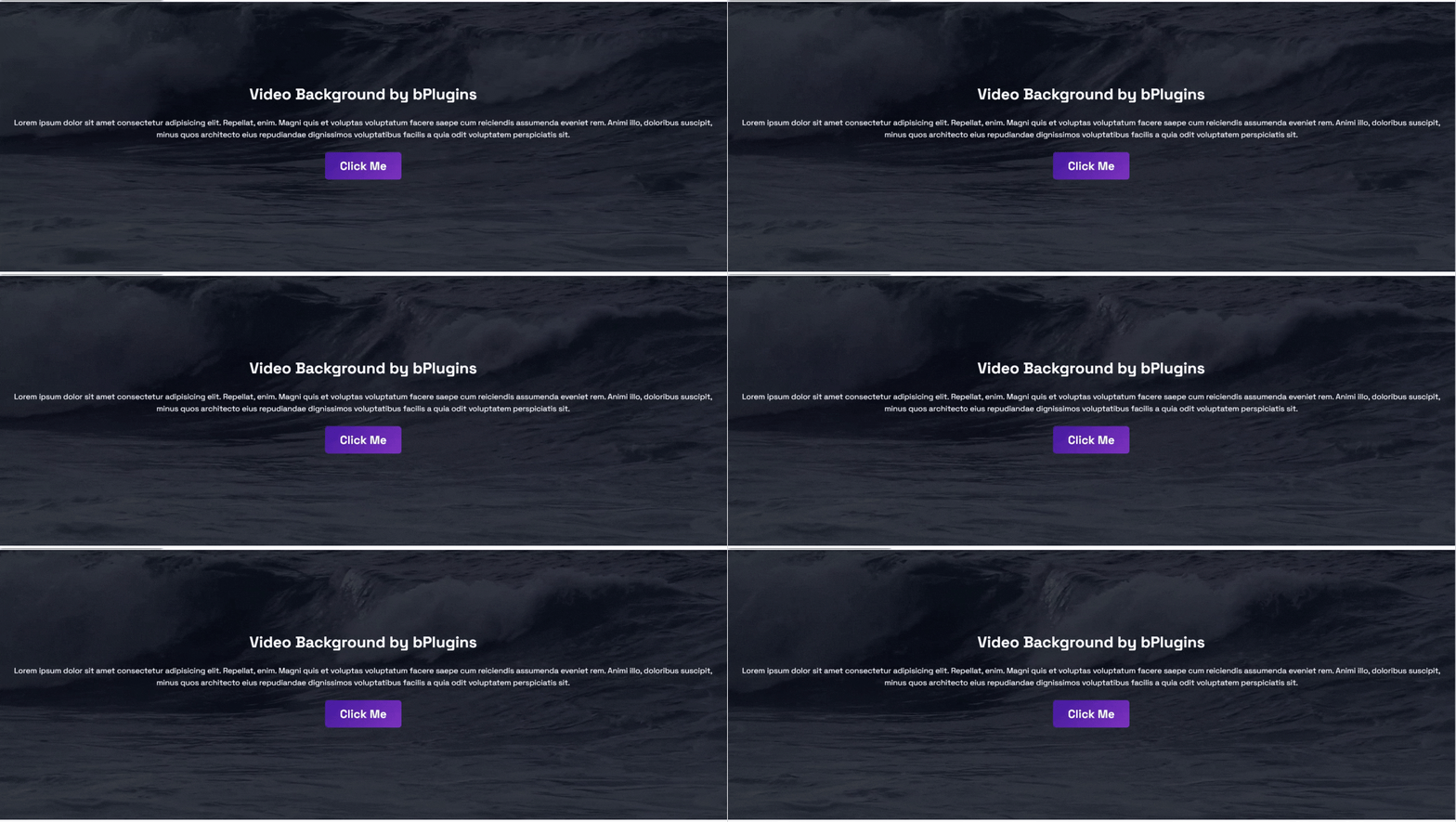
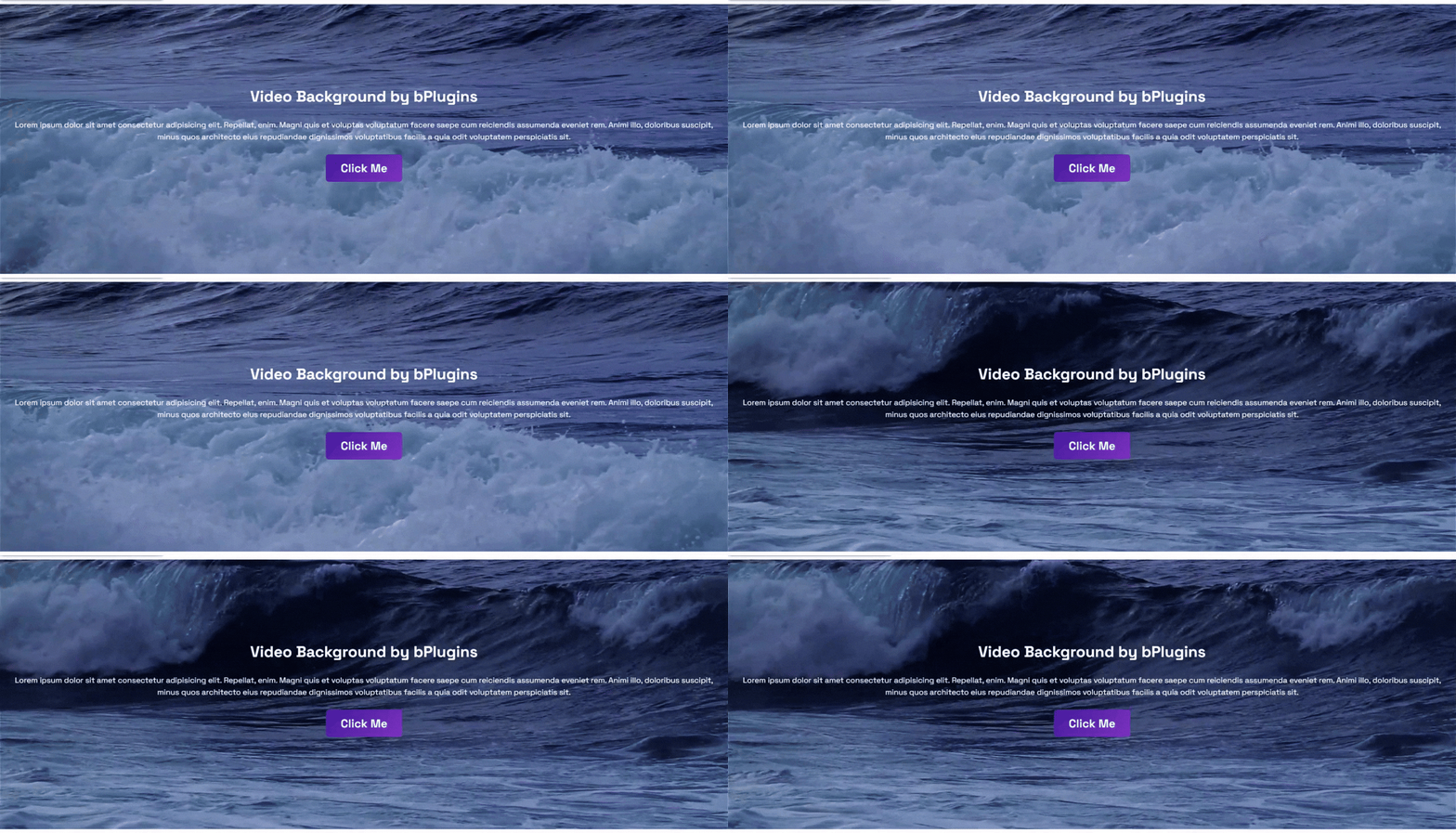
- Background Video: Display a video as the background of any section.
- Fallback Image: Show an image when the video cannot be loaded.
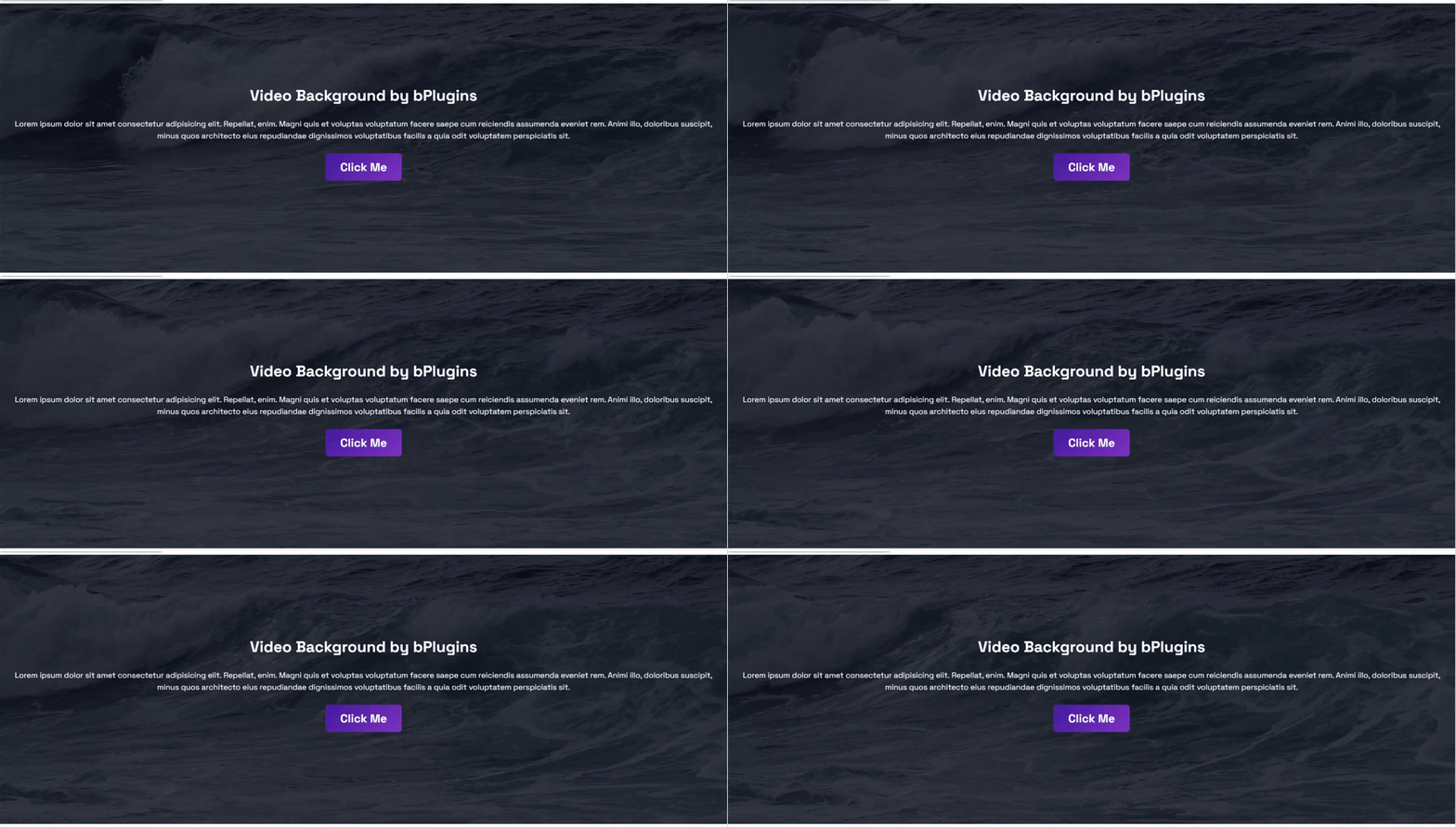
- Overlay Color: Add a color overlay to improve text readability.
- Custom Height: Set the section height to fit your design.
- Padding Controls: Adjust the spacing around your content.
Pro Version – Unlock Premium Features
Upgrade to Pro to unlock more customization and advanced video background controls.
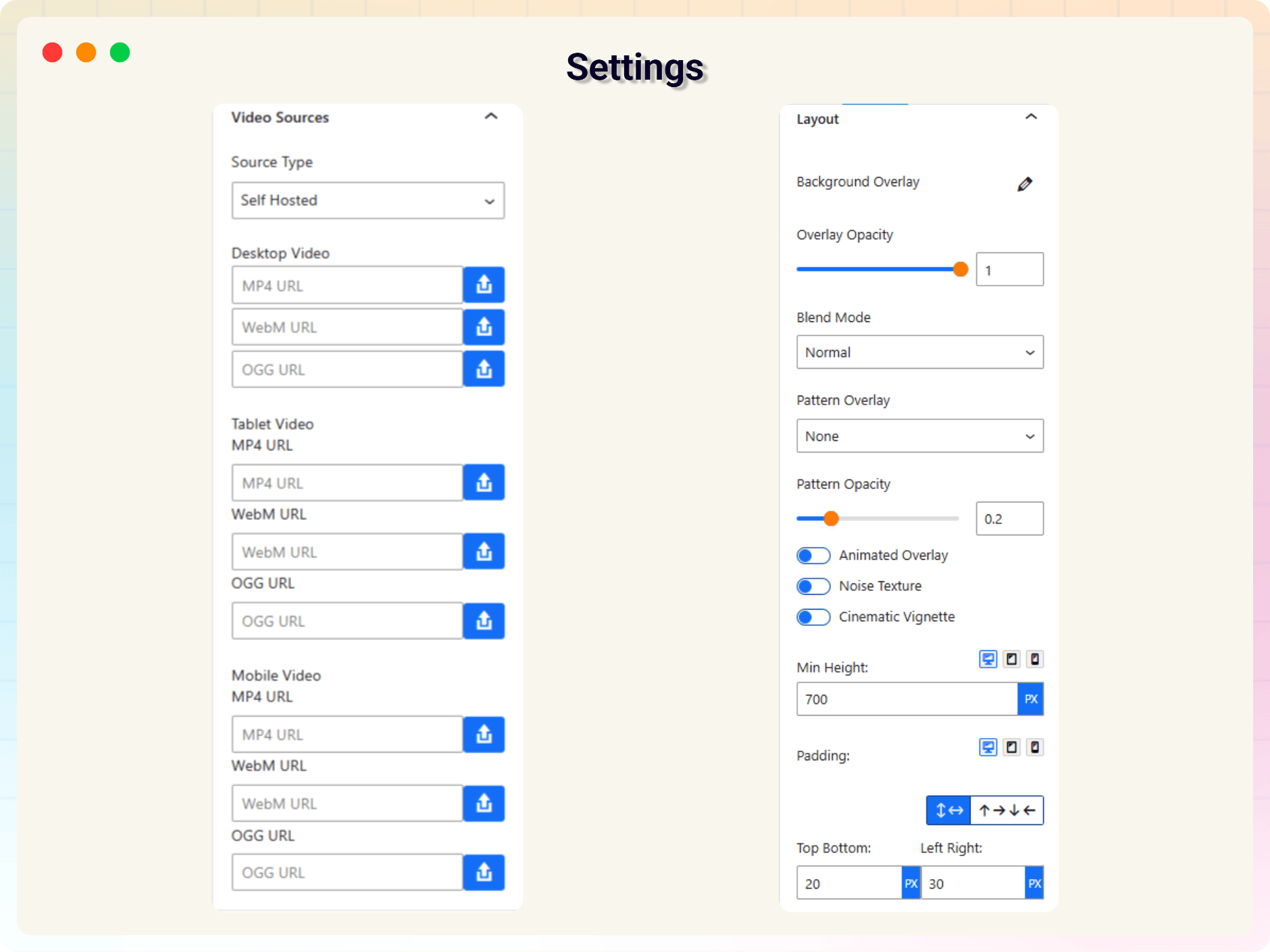
- Self-hosted Video Support: Use MP4, WebM, and OGG videos.
- YouTube Background Videos: Display YouTube videos as section backgrounds.
- Vimeo Background Videos: Add Vimeo videos with background playback.
- Responsive Video Sources: Use different videos for desktop, tablet, and mobile.
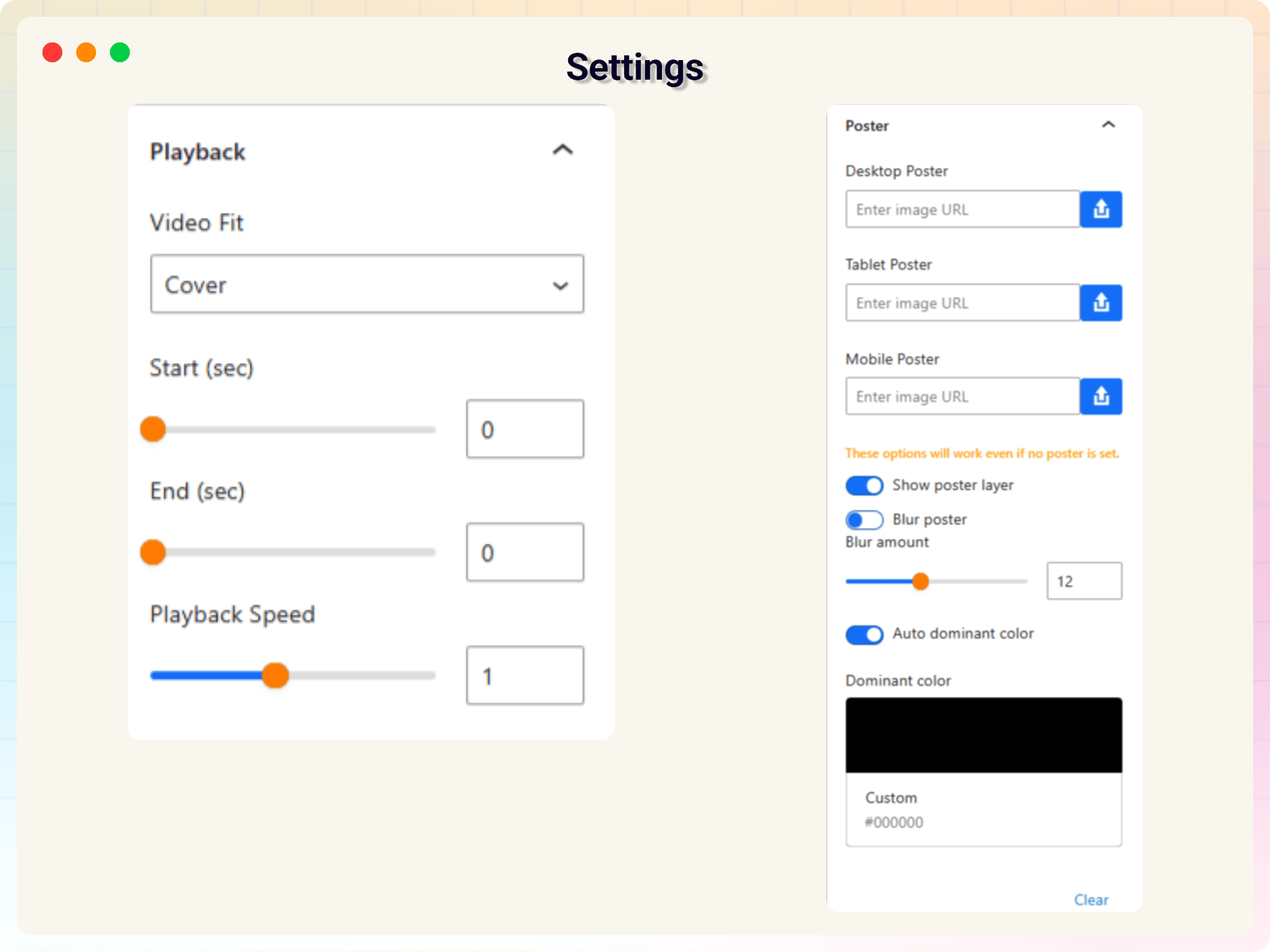
- Responsive Poster Images: Set separate poster images for different screen sizes.
- Poster Image Options: Show or hide the poster, apply blur effects, or use automatic or custom dominant colors.
- YouTube No-Cookie Mode: Improve user privacy with YouTube's no-cookie domain.
- Advanced Overlay Controls: Customize overlay colors, gradients, opacity, and blend modes.
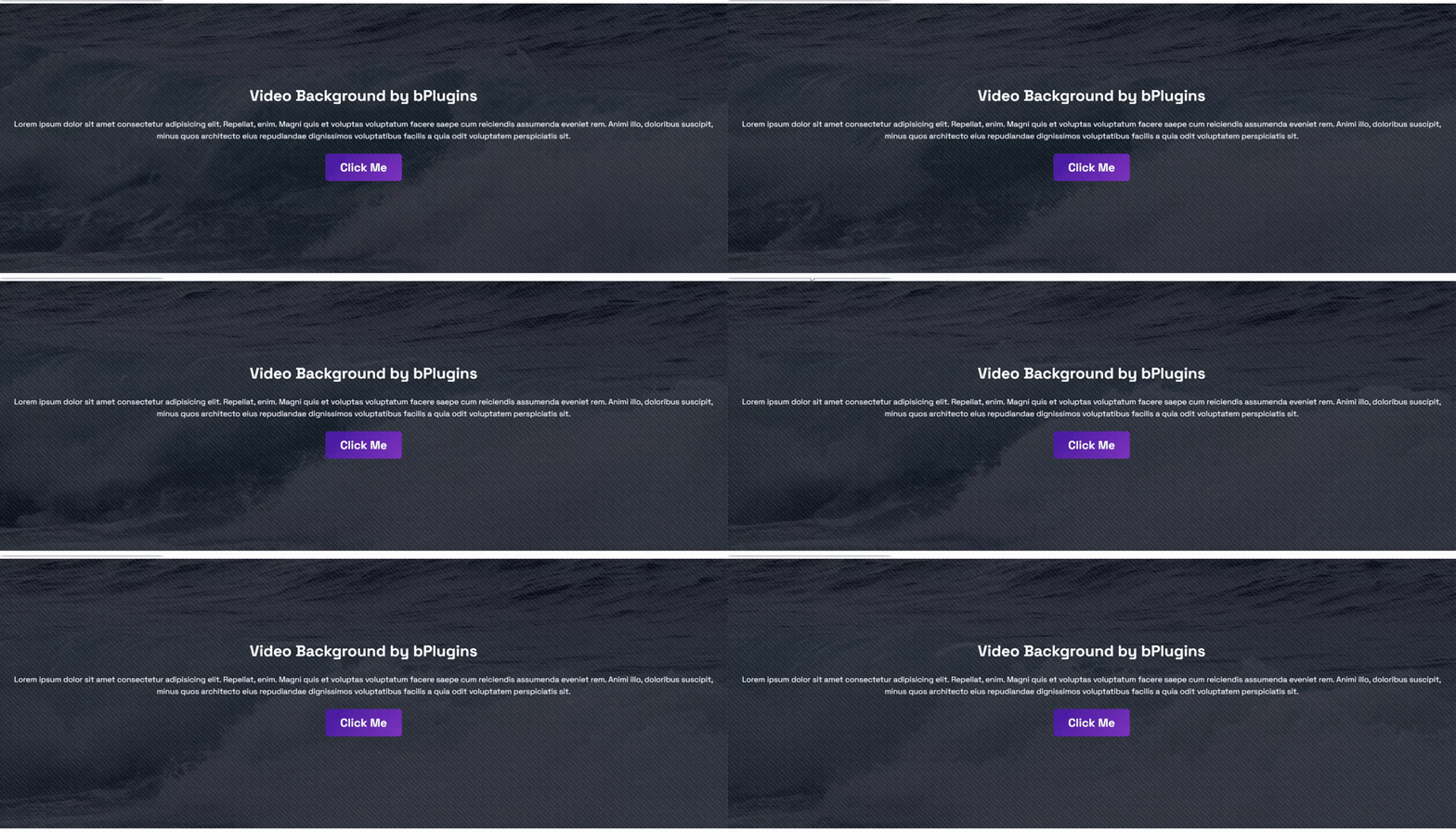
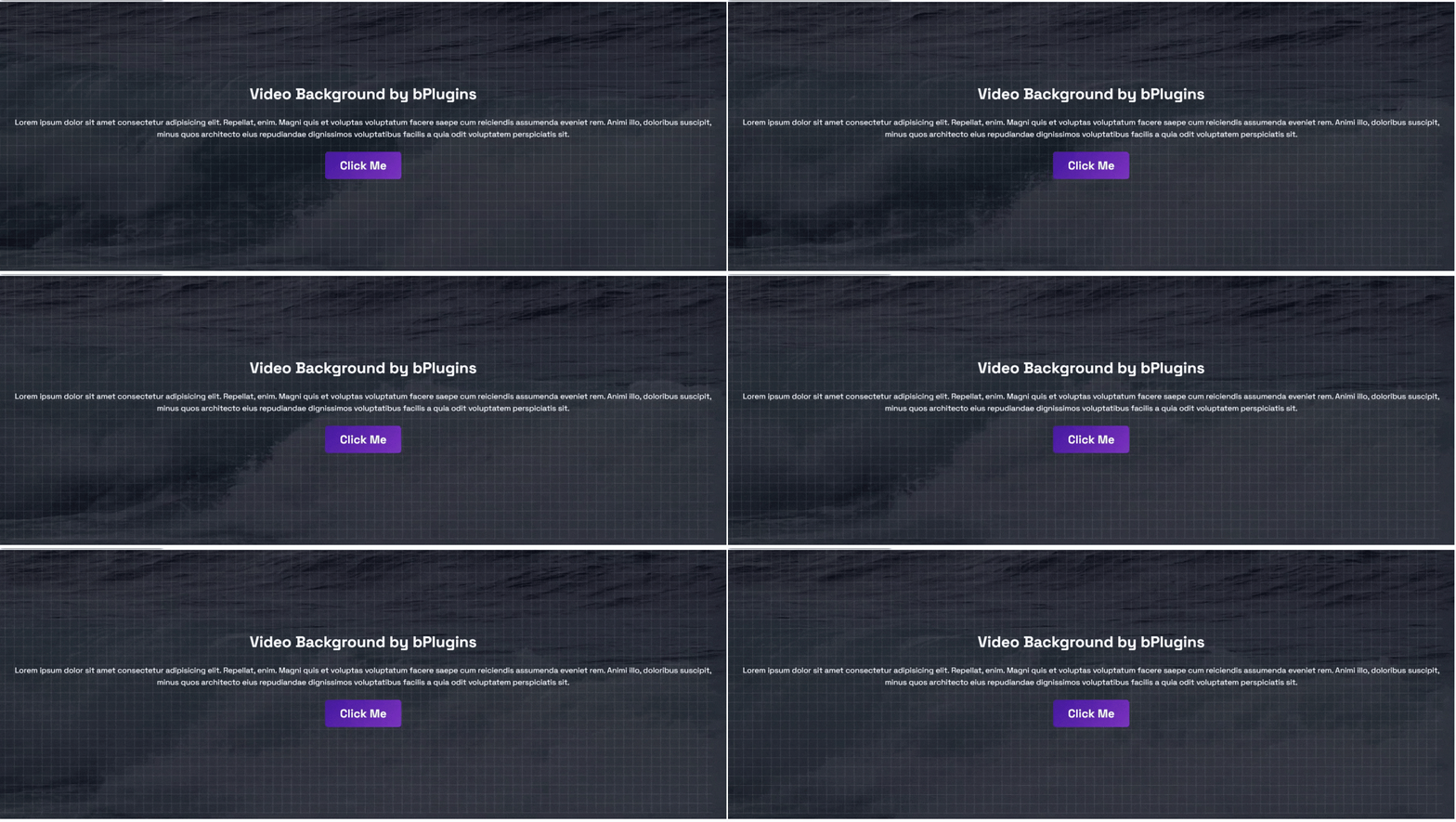
- Overlay Patterns: Add dot, grid, or diagonal patterns with adjustable opacity.
- Animated Overlay Effects: Create subtle motion for a more dynamic design.
- Noise Texture Overlay: Add texture for a modern visual style.
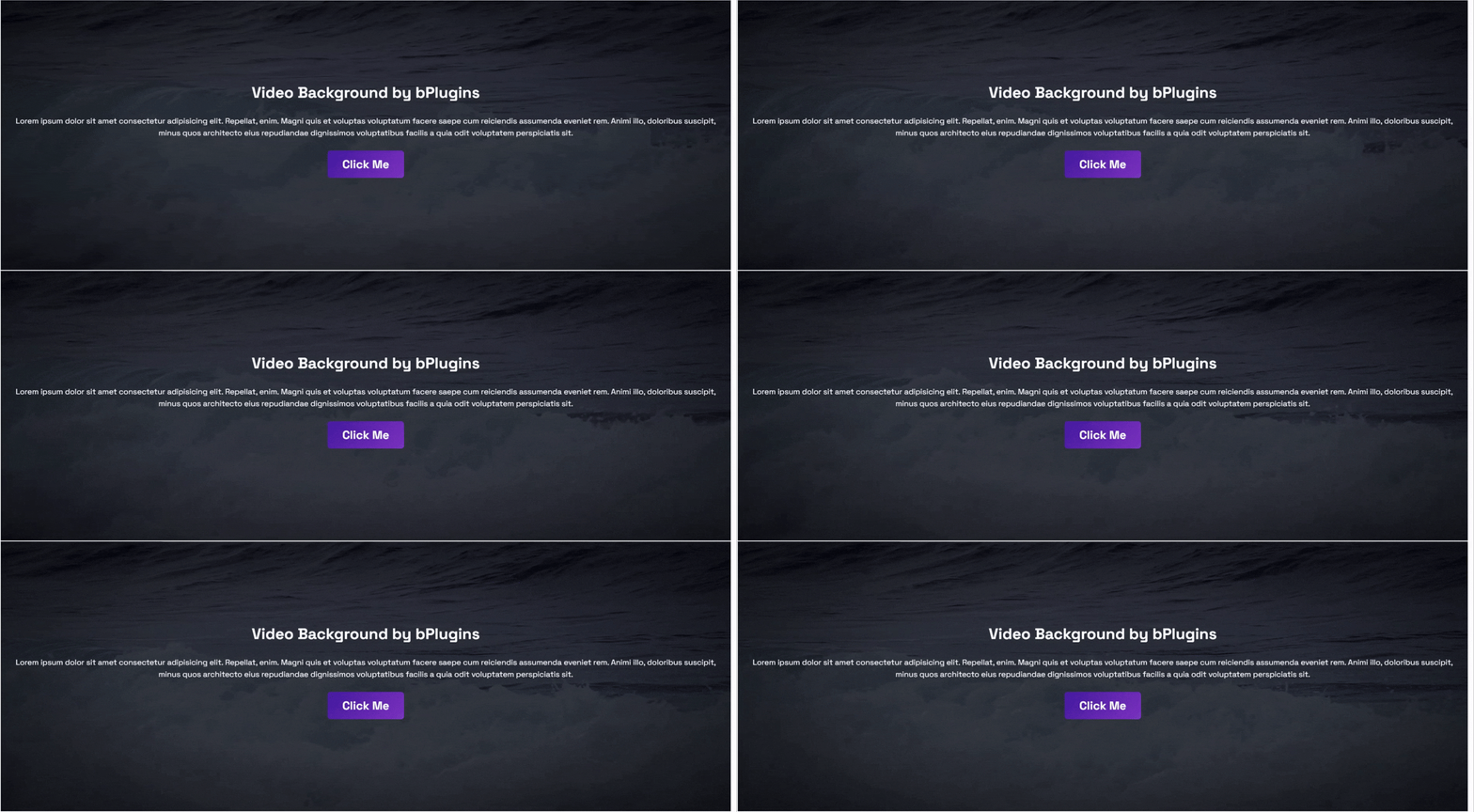
- Cinematic Vignette: Highlight your content with a soft vignette effect.
- Responsive Height and Padding: Different minimum heights and spacing per device.
- Video Fit Options: Choose Cover, Contain, or Fill based on your layout.
- Segment Loop: Play only a selected portion of the video with start and end times.
- Playback Speed Control: Adjust the video playback speed to match your design.
How to Use – Quick Start
- Install and activate the Video Background Block plugin.
- Open a page or post in the Gutenberg editor.
- Add the Video Background block.
- Select your video source and customize the settings from the right sidebar.
- Publish or update your page and enjoy your new video background.
Live Demos | Explore Premium Features
Use Cases
- Hero Sections: Give your homepage an instant, cinematic first impression.
- Landing Pages: Add motion to product and campaign pages that convert.
- Agency & Portfolio Sites: Showcase work with dynamic section backgrounds.
- Business Websites: Modernize banners and promotional sections.
- Personal Blogs: Make key sections memorable with subtle video motion.
Have a feature request, found a bug, or just want to say hello? Send us your feedback — we'd love to hear from you.
More From bPlugins
Parent Plugin
bBlocks – A full blocks collection and page-building toolkit for Gutenberg.
Other Plugins You Might Like
* HTML5 Video Player – Single and playlist video display in multiple skins.
* PDF Poster – Display and embed PDF files in various styles.
* HTML5 Audio Player – Play audio with rich, animated visuals.
* StreamCast – A customizable radio player with multiple skins.
* 3D Viewer – Embed interactive 3D models and products.
* Advanced Post Block – Display posts and custom post types in flexible layouts.
צילומי מסך
בלוקים
תוסף זה מספק בלוק 1.
- Video Background Use video as background in section.
התקנה
From your WordPress dashboard (recommended):
- Go to Plugins Add New.
- Search for "Video Background Block".
- Click Install Now, then Activate.
- Add the Video Background block to any post or page from the block inserter.
Manual installation:
- Download the Video Background Block plugin as a
.zipfile. - In your WordPress admin, go to Plugins Add New and click Upload Plugin.
- Select
video-background-block.zipand click Install Now. - Activate the plugin.
Via FTP:
- Download and unzip the plugin.
- Upload the plugin folder to
/wp-content/plugins/. - Activate the plugin from the Plugins menu in WordPress.
שאלות נפוצות
-
Is Video Background Block free to use?
-
Yes. The core plugin is completely free. A Pro version is available with advanced features like YouTube/Vimeo backgrounds, overlay patterns, and playback controls.
-
Which video sources can I use as a background?
-
You can use self-hosted videos, YouTube videos, or Vimeo videos. Self-hosted MP4/WebM/OGG support and YouTube/Vimeo backgrounds are part of the Pro version.
-
What happens if the video cannot load?
-
You can set a fallback image that displays whenever the video cannot be loaded, so your section never looks broken.
-
Can I use it outside Gutenberg with other page builders?
-
Yes. The plugin provides universal shortcodes, so you can display video backgrounds with other popular page builders as well.
-
Will it slow down my site?
-
No. The plugin is lightweight, and scripts only load on pages where the block is actually used.
-
Will it work with my theme?
-
Yes — the block is built to work with any standard WordPress theme.
-
Can I customize the block's appearance?
-
Yes. All settings are available in the right-hand sidebar of the Gutenberg block editor.
-
Is there a limit to how many times I can use the block?
-
No. You can add and reuse the block as many times as you like, on as many pages as you like.
-
Where can I get help if I run into an issue?
-
Visit our support forum and post your question — our team actively monitors it.
סקירות


מפתחים
"Video Background Block – make any section stand out with motion" הוא תוסף קוד פתוח. האנשים הבאים תרמו ליצירת התוסף הזה.
תורמים


ניתן לתרגם את "Video Background Block – make any section stand out with motion" לשפה שלך.
מעוניינים בפיתוח?
עיינו בקוד, ראו את הקוד ב-SVN repository, או הירשמו ללוג פיתוח באמצעות RSS.
שינויים
2.0.2 – 9 July 2026
- Improved: Separated Free and Pro codebases for better performance and maintainability.
2.0.1 – 22 June 2026
- Added: A modern, more intuitive dashboard layout.
2.0.0 – 10 March 2026
- Added: Universal Shortcodes for compatibility with all major page builders.
- Added: Advanced video background features (see Pro Features above).
- Added: A redesigned plugin dashboard.
1.0.5 – 6 August 2025
- Added: SDK integration.
1.0.4 – 13 March 2025
- Fixed: Video alignment issue causing off-center display.
1.0.3
- Fixed: Video not playing on mobile devices.
1.0.2
- Added: Fallback image support.
- Improved: Scripts no longer load on pages where the block isn't used.
1.0.1
- Added: Translation support.
1.0.0
- Initial release.